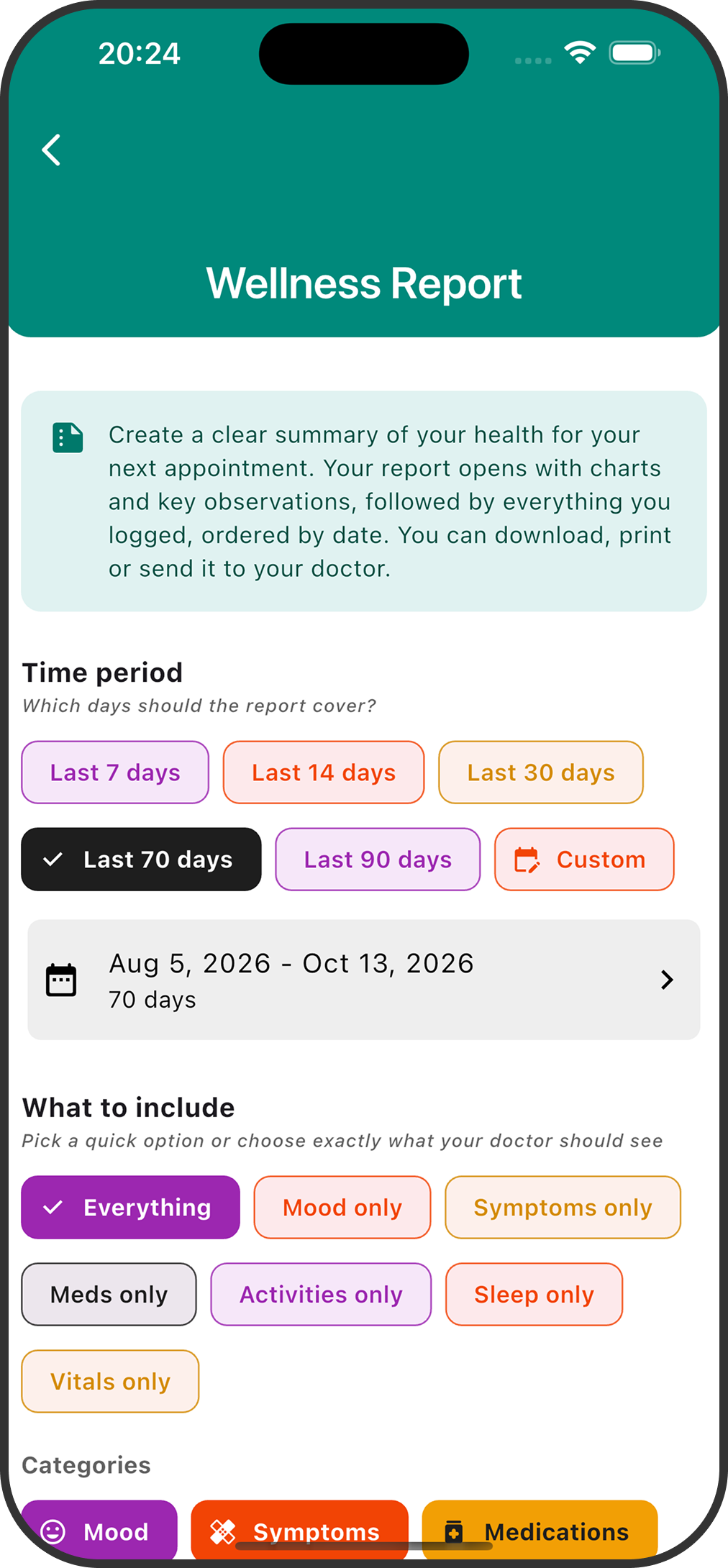
Appointment preparation works best alongside voice symptom tracking, where you say how you feel instead of typing. A simple routine helps too: see how to track symptoms and medications. AI wellness insights then point out patterns over time, and a doctor summary makes appointments easier. For the bigger picture, see our chronic illness flare management guide.
Prepare before you go
Decide the one or two things you most need from the visit and write them at the top. Appointments run out of time, so lead with what matters most. Gather your meds, recent changes and anything new since last time.
If you track symptoms, pull out the patterns, not every entry: how often, how bad and what you tried.
Write your top one or two goals first
Bring a current meds list
Note what has changed since last visit
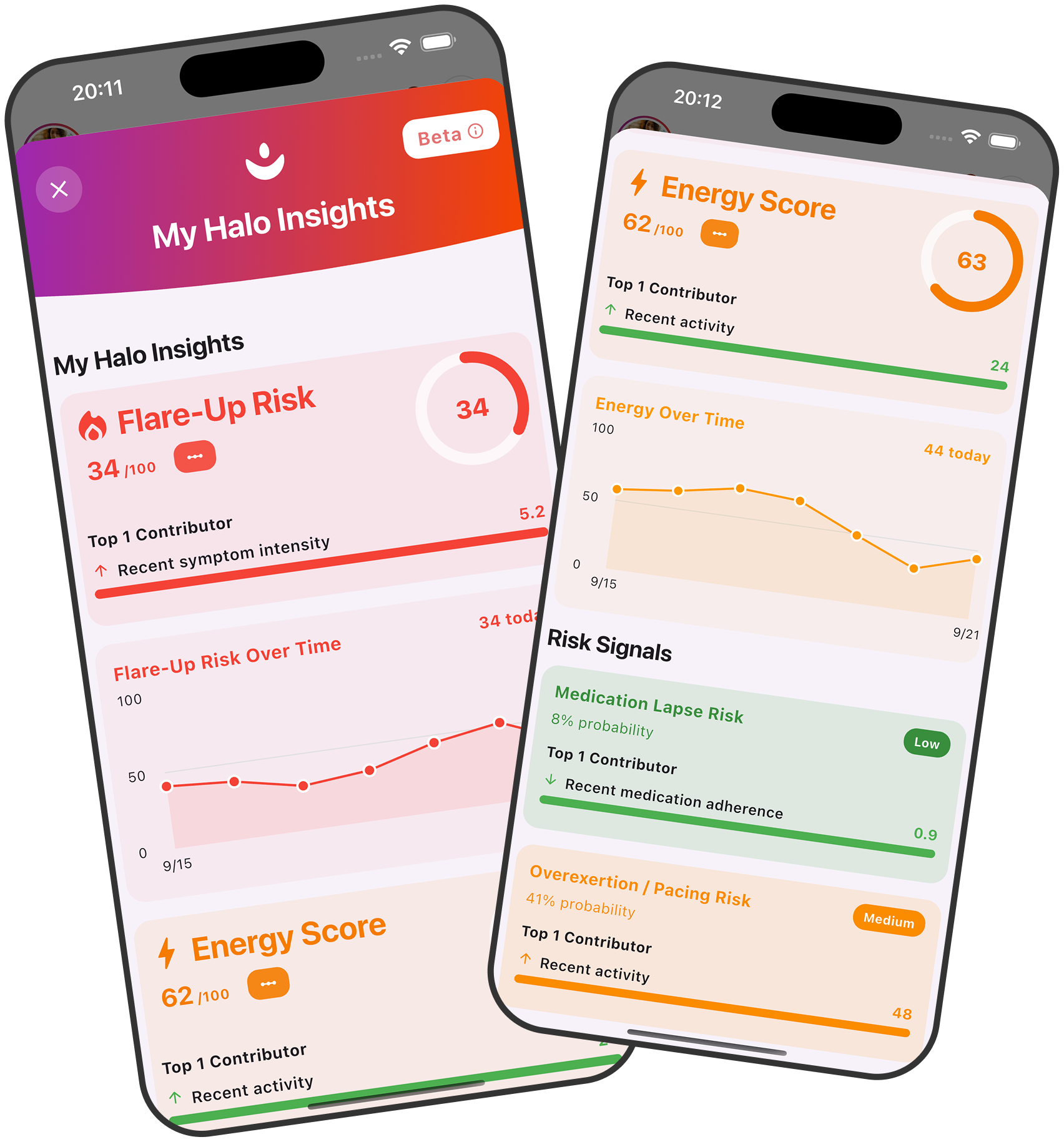
Make the visit count
Say your main concern first and use short, specific examples, such as how many days a week and what you could not do. Ask what the plan is, what to watch for and when to follow up. If something is unclear, ask them to write it down.
If you are overwhelmed, bring someone with you or ask to record the visit if the clinic allows it.
Lead with your main concern
Ask what to watch for and when to follow up
Bring someone if you can
The checklist, step by step
Before
- Write your top one or two goals
- List current meds and supplements
- Note what changed since last visit
- Prepare a symptom summary
- Write down your questions
During
- Lead with your main concern
- Use specific examples and numbers
- Ask what the plan is
- Ask what to watch for
- Ask when to follow up
After
- Write down what was said
- Update your meds list
- Set reminders for changes
- Log how you feel in the days after
- Book the follow-up
Sources and further reading
The general health information on this page is based on the sources below. It is not medical advice, and Heylixir cannot diagnose or treat any condition. Ask a healthcare professional about your own situation.
Sources checked November 2026.

Keep notes between visits with your voice
Say what happened as it happens and Heylixir keeps it for you, so your next appointment starts with a clear record.
“Bad flare this week, three days in bed, new rash, took my meds, want to ask about the dose.”
Mood: worried, tired
Symptoms: flare, rash, fatigue
Medication: taken, noted with the time
Journal: your words, saved as today's entry
See how voice tracking works →
Ready to walk into appointments prepared?
Try Heylixir and keep a clear record of your symptoms, meds and flares between visits.